A Vietnamese input method for macOS —
no stuck or flickering text.
A Rust engine at ~20MB of RAM, living quietly in your menu bar. Three-level spell checking that protects English words, built-in auto-update, and per-app compatibility you can tune yourself — no waiting for a patch.
Version … · macOS 13+ · Apple Silicon & Intel
Stuck and flickering text — gone.
Type a word like “vieeti” fast and a typical event-tap engine flickers or sticks characters while re-toning. OreoKey swaps the text smoothly in one move — here are its four layers of correction.
- 1
Accessibility API
Replaces the text around the caret in a single atomic operation (TextEdit, Notes, Safari…): no backspaces sent → nothing can flicker or stick.
- 2
Minimal diff
When key injection is unavoidable, it deletes only the changed tail instead of retyping the whole word.
- 3
Event batching
Sends the replacement in as few events as possible, in a tight order so the app never paints an intermediate state.
- 4
Per-app quirk table
Each app (Chrome, Excel, VS Code…) has its own tuning; you override it in Settings without waiting for a new release.
Popular terminals (iTerm2, kitty, Alacritty, WezTerm, Warp, VS Code, JetBrains…) ship pre-tuned — install and type.
Everything you need, nothing you don’t.
What a modern Vietnamese input method needs — in about 20MB.
Telex & VNI typing
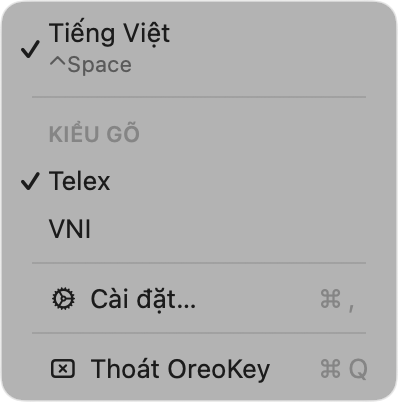
The two most common styles, switchable right from the menu bar.
Three-level spell check
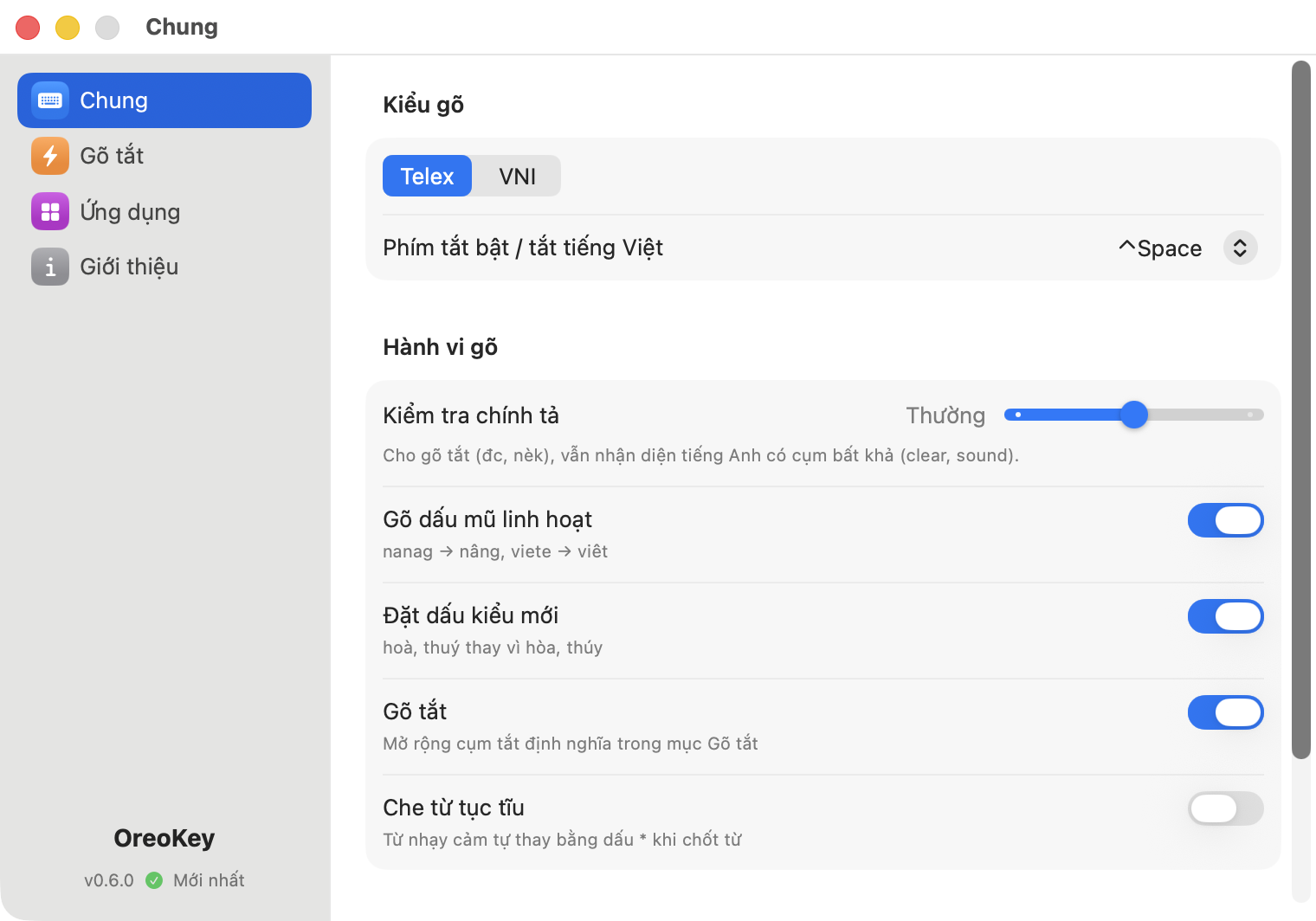
A slider from Relaxed to Strict: higher levels protect English words (class, sound stay intact); lower levels allow chat-style shorthand.
Flexible tone typing
Late marks still resolve correctly: nanag → nâng, did → đi, one w hooks the whole ươ pair (nguoiwf → người).
Text shortcuts (macros)
Expand long phrases from a few characters; optional profanity masking on commit.
Per-app settings
Remembers VN/EN per app, disables Vietnamese in terminals/IDEs, add not-yet-running apps by bundle ID.
Self-serve compatibility
If an app misbehaves, switch its injection mode in Settings yourself — no waiting for a release.
Auto-update (Sparkle)
Checks periodically, warns right inside Settings, one-click install; releases are Developer ID-signed and notarized.
Light, private, open-source
A ~20MB Rust engine, fully offline, sends nothing anywhere; the whole codebase is MIT on GitHub.
Clean, focused settings.
Four tabs, nothing more — General · Macros · Apps · About. The sidebar footer always shows your version: a green check when current, an orange warning the moment an update ships.
- General
- Macros
- Apps
- About
System requirements & Download
- macOS 13 Ventura or later
- Apple Silicon (arm64) & Intel (x86_64)
- ~20MB RAM
- Rust engine
Version … · macOS 13+ · Apple Silicon & Intel
Frequently asked questions
Is OreoKey free?
Yes, free and open-source under MIT.
Is it safe / private?
Fully offline, no analytics, nothing sent anywhere; the source is public to verify. Accessibility permission is used only to receive keys and replace text.
Why does it need Accessibility permission?
It’s how a system-wide input method must work on macOS — receiving keyboard events and replacing text in any app. A step-by-step onboarding walks you through it on first launch.
How is it different from other Vietnamese IMEs?
Four layers against stuck/flickering text (Accessibility API, minimal diff, event batching, per-app quirks) plus three-level spell checking that never mangles English. Misbehaving apps can be fixed from Settings.
Will mixed English get mangled?
Strict mode gives maximum protection (“mask”, “class” stay intact); Standard still detects impossible English clusters (“clear”, “sound”) while allowing chat shorthand.
How do updates work?
Built-in Sparkle auto-update: periodic checks, a warning inside Settings, one-click install. Releases are Developer ID-signed and notarized.
Does it run on Intel Macs?
Yes — the universal build covers Apple Silicon and Intel, macOS 13+.